Owner's Manual Cargo Hook Suspension System
BELL 204B · Maintenance Manual
Overview
This document is the Owner's Manual for the Cargo Hook Suspension System on various Bell helicopter models, including the Bell 204B. It provides installation and operation instructions, safety information, and details about optional systems and components.
- The manual covers installation and operation of Cargo Hook Suspension Systems.
- It is applicable to several Bell helicopter models and their derivatives.
- The non-rotating design is ideal for certain external load operations.
- The system includes options for load weighing and anti-torque.
- Do not use the suspension systems for side pulling operations.
- The manual includes safety labels indicating levels of hazard.
- A notification service for product alerts is available.
- The document is proprietary and cannot be reproduced.
Summary written by AI from the source document. Check the original before relying on it. See which parts of Sprinkle are written by AI.
Reference only, not for flight. Use the current approved manual for your aircraft. See terms, section 5.
Document
Source
Copy found at onboardsystems.com. Sprinkle hosts a reference copy with an added summary, specifications and searchable full text.
Document details
- Type ·
- Maintenance Manual
- Year ·
- 2019
- File size ·
- 2.3 MB
- Copy found at ·
- onboardsystems.com
- Language ·
- en
Specifications & performance
Extracted from this document.
Specifications
- Cargo hook part numbers ·
- 200-391-XX, 200-401-XX, 200-428-00
What is the Owner's Manual Cargo Hook Suspension System?
The Owner's Manual Cargo Hook Suspension System is a maintenance manual for the BELL 204B, dated 2019.
What year was the Owner's Manual Cargo Hook Suspension System published?
The Owner's Manual Cargo Hook Suspension System — the BELL 204B maintenance manual on file — is dated 2019.
Common. More common than 53% of the aircraft models we track.
Most owners only have the POH. Here's the essential set for the BELL 204B.
- Pilot's Operating Handbook / AFM
- Checklist
- Maintenance Manual
- Parts Catalog (IPC)
- Systems & Wiring
- Service Bulletins on file
- Type Certificate (TCDS)
BELL 204B for sale now
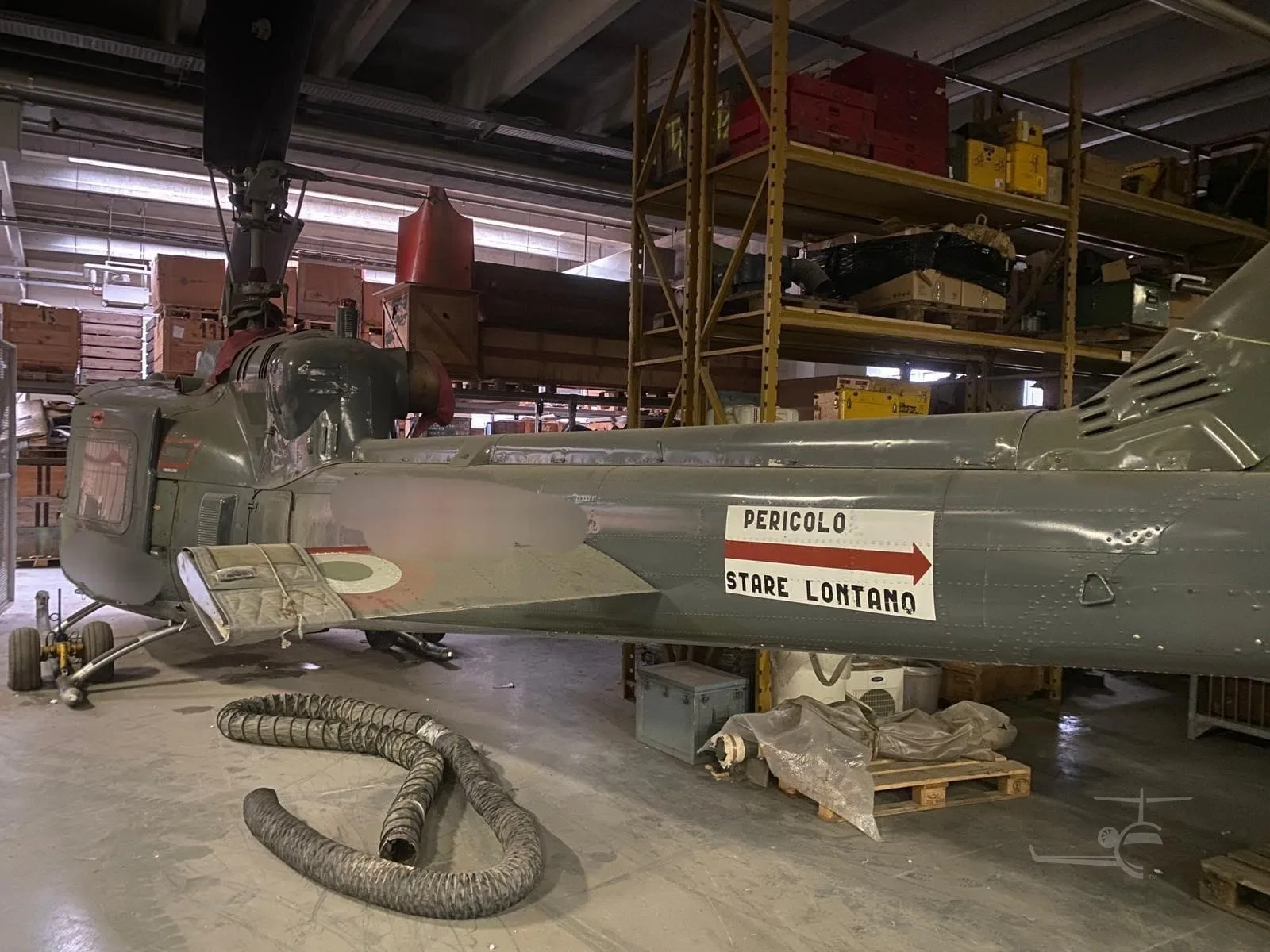
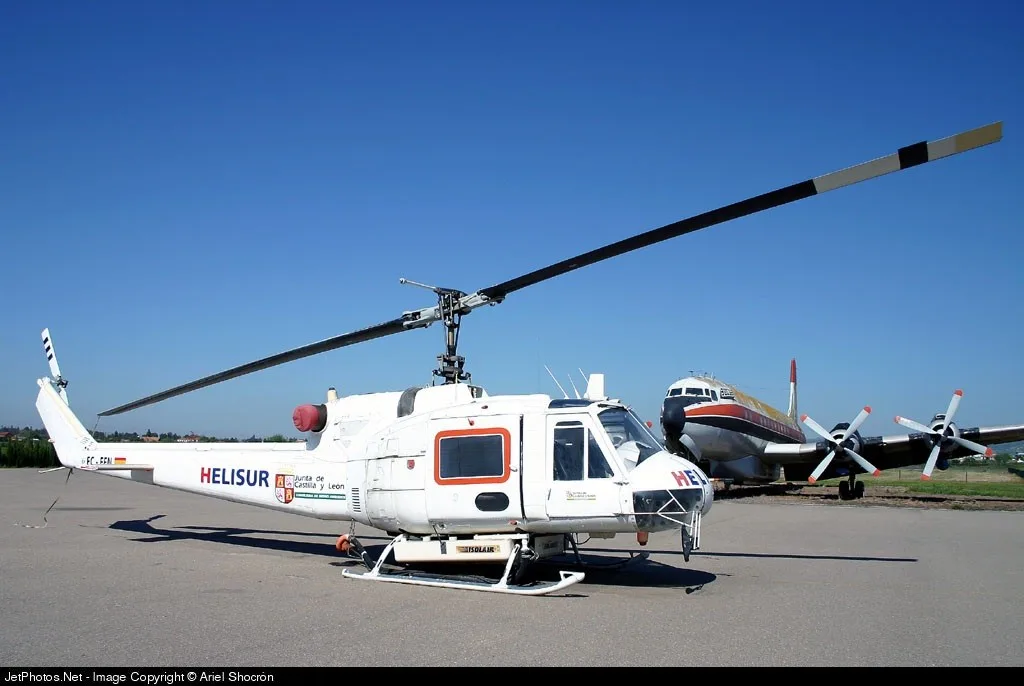
Free — save the 204 to your watchlist and track it in one place.
More BELL 204Bmanuals & documents
Related documents
- ROTORCRAFT FLIGHT MANUAL SUPPLEMENTBELL 206L-1 · Pilot's Operating Handbook
- Owner's Manual For the Cargo Hook Suspension System on the Robinson R44 and R44 II HelicopterRobinson R44 Raven II · Wiring Diagrams
- Bell 206 A & B - Onboard SystemsBELL 206A · Maintenance Manual
- Instructions for Continued Airworthiness Dual Cargo Hook SystemMD HELICOPTERS 600N · Maintenance Manual
- Interagency Aviation TECH BULLETINBELL 206L-3 · Service Bulletins
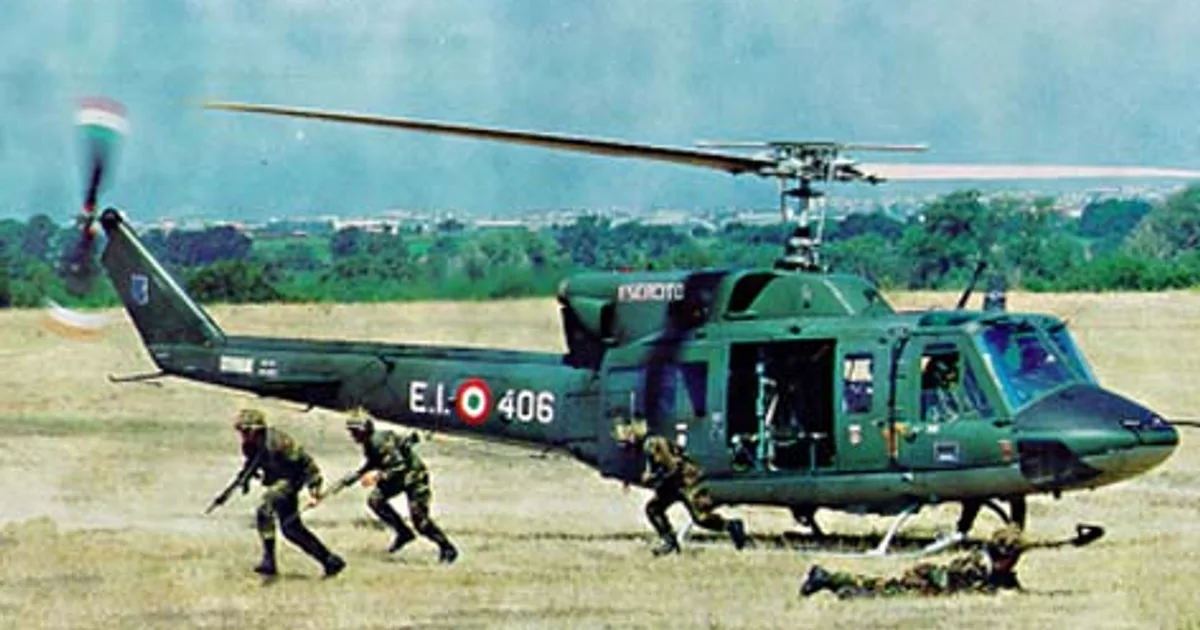
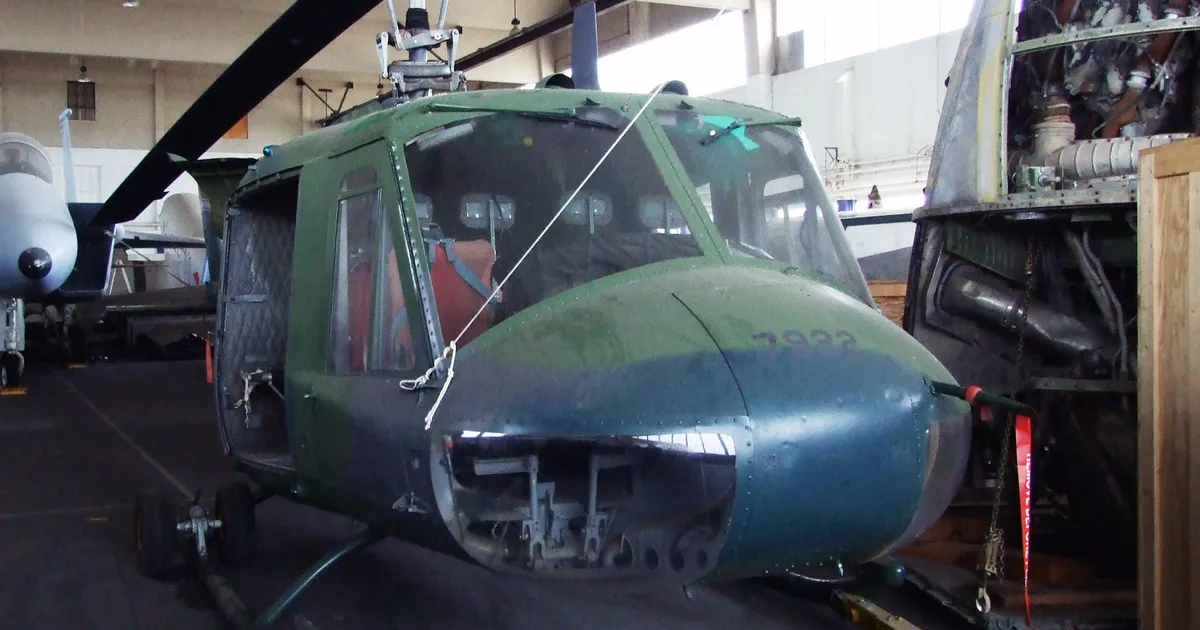
If you fly the BELL 204B, you may also be researching these.



In this document
Introduction
The introduction outlines the scope of the manual, including installation and operation instructions for the Cargo Hook Suspension System and its compatibility with various helicopter models.
System Overview
This section describes the Cargo Hook Suspension System, its components, and the methods for load release, including pilot and manual activation.
Installation
Detailed instructions for installing the Cargo Hook Suspension System and its optional components are provided.
Operation Instructions
This section includes procedures for operating the cargo hook, loading, and rigging.
Maintenance
Instructions for returning equipment to the factory for maintenance are included.
Certification
This section covers the FAA STC and other certification details relevant to the Cargo Hook Suspension System.
Summary written by AI from the source document. Check the original before relying on it. See which parts of Sprinkle are written by AI.
Safety notes
- Do not use the suspension systems for side pulling operations.
- Check for interference of suspension with surrounding equipment.
- Warnings are included for hazardous situations that could result in injury.
Summary written by AI from the source document. Check the original before relying on it. See which parts of Sprinkle are written by AI.
Full document text
Owner’s Manual Document Number 120-145-00 Revision 4 Date 03/12/19 Page 1 of 36 This document is proprietary to Onboard Systems Int’l. Disclosure or reproduction is not allowed. © 2019 Onboard Systems Int’l., all rights reserved. Owner’s Manual Cargo Hook Suspension System on the Bell 204B, 205A, 205A-1, 205B, 210, 212, 412, 412CF Agusta AB412, AB412EP Rotorcraft Dev. Corp. UH-1H Northwest Rotorcraft UH-1H OAS Parts LLC UH-1H Tamarack Helicopters UH-1F, UH-1H STC SR00713SE Onboard Systems International 13915 NW 3rd Court Vancouver, WA 98685 United States of America Cage Code: 1Y921 Toll Free Phone: (800) 275-0883 Phone: (360) 546-3072 Fax: (360) 546-3073 Please check our web site www.onboardsystems.com for the latest revision of this manual. Applicable Equipment Part Numbers 200-391-XX, 200-401-XX, 200-428-00 Owner’s Manual Document Number 120-145-00 Revision 4 Date 03/12/19 Page 2 of 36 This document is proprietary to Onboard Systems Int’l. Disclosure or reproduction is not allowed. © 2019 Onboard Systems Int’l., all rights reserved. Record of Revisions Revision Date Page(s) Reason for Revision 0 06/23/15 All Initial Release 1 09/09/15 All Minor edits resulting from installation fit check. 2 03/23/17 1, 10 Added 412CF, Tamarack UH-1F, UH-1H to title page, added 412CF and UH-1F models as not being an approved model for 200-428-00. 3 02/15/18 14, 15, 25 Added warnings to check for interference of suspension with equipment in the surrounding area. 4 03/12/19 4, 27 Added warnings to not use suspension systems for side pulling operations. Register Your Products for Automatic Notifications Onboard Systems offers a free notification service via fax or email for product alerts and documentation updates. By registering your Onboard Systems products at our website, we will be able to contact you if a service bulletin is issued, or if the documentation is updated. You can choose to receive notices on an immediate, weekly, or monthly schedule via fax, email or both methods. There is no charge for this service. Please visit our website at www.onboardsystems.com/notify.php to get started. Owner’s Manual Document Number 120-145-00 Revision 4 Date 03/12/19 Page 3 of 36 This document is proprietary to Onboard Systems Int’l. Disclosure or reproduction is not allowed. © 2019 Onboard Systems Int’l., all rights reserved. Table of Contents 1.0 Introduction .................................................................................................................................... 4 1.1 Scope .............................................................................................................................. 4 1.2 Safety labels ................................................................................................................... 5 2.0 Referenced Documents ................................................................................................................. 5 3.0 System Overview ........................................................................................................................... 6 3.1 Cargo Hook Suspension System .................................................................................... 6 3.2 Optional Load weigh system .......................................................................................... 7 3.3 Optional Surefire Release .............................................................................................. 8 3.4 Optional: Anti-torque System.......................................................................................... 9 3.5 Bill of Materials ............................................................................................................. 11 3.6 Specifications................................................................................................................ 12 4.0 Installation .................................................................................................................................... 13 4.1 Cargo Hook Suspension System Installation ............................................................... 13 4.2 Load Weigh System Installation ................................................................................... 17 4.3 Anti-Torque System Installation .................................................................................... 19 4.3.1 Bracket Assembly Installation ....................................................................... 19 4.3.2 Anti-Rotation Assembly and Restraining Yoke Installation ........................... 22 4.4 Installation Check-out ................................................................................................... 24 4.5 Component Weights ..................................................................................................... 26 4.6 Cargo Hook Location .................................................................................................... 26 4.7 Paper Work ................................................................................................................... 26 5.0 Operation Instructions................................................................................................................. 27 5.1 Operating Procedures .................................................................................................. 27 5.2 Cargo Hook Loading ..................................................................................................... 29 5.3 Cargo Hook Rigging ..................................................................................................... 29 5.3.1 Nylon Type Straps and Rope ........................................................................ 30 6.0 Maintenance ................................................................................................................................. 31 6.1 Instructions for Returning Equipment to the Factory .................................................... 31
Show full textShow less
7.0 Certification .................................................................................................................................. 32 7.1 FAA STC....................................................................................................................... 32 7.2 FAA STC AML .............................................................................................................. 33 7.3 Transport Canada STC ................................................................................................ 34 7.4 EASA STC .................................................................................................................... 35 Owner’s Manual Document Number 120-145-00 Revision 4 Date 03/12/19 Page 4 of 36 This document is proprietary to Onboard Systems Int’l. Disclosure or reproduction is not allowed. © 2019 Onboard Systems Int’l., all rights reserved. 1.0 Introduction 1.1 Scope This owner’s manual contains instructions for installation and operation of the Cargo Hook Non-rotating Suspension System Kits (P/Ns 200-391-XX and 200-401-XX) and Anti-Torque System (P/N 200-428-00) on medium Bell helicopters and some of their derivatives including UH-1H’s. See the STC Approved Model List for complete listing of approved models. These non-rotating Suspension Systems Kits are not compatible with the Bell 412EP model, for this model use the rotating Suspension Systems Kits which are also approved under this STC, see Owner’s Manual 120-084-00. Do not use the suspension systems for side pulling operations such as wire-stringing. The load attached to the cargo hook must be lifted free of land or water during external load operations. Owner’s Manual Document Number 120-145-00 Revision 4 Date 03/12/19 Page 5 of 36 This document is proprietary to Onboard Systems Int’l. Disclosure or reproduction is not allowed. © 2019 Onboard Systems Int’l., all rights reserved. 1.2 Safety labels The following definitions apply to safety labels used in this manual. Indicates a hazardous situation which, if not avoided, will result in death or serious injury. Indicates a hazardous situation which, if not avoided, could result in death or serious injury. Indicates a hazardous situation which, if not avoided, could result in minor or moderate injury. Draws the reader’s attention to important or unusual information not directly related to safety. Used to address practices not related to personal injury. 2.0 Referenced Documents 121-060-00 RFM Supplement 122-004-00 Component Maintenance Manual, Cargo Hook 123-039-00 ICA Manual Owner’s Manual Document Number 120-145-00 Revision 4 Date 03/12/19 Page 6 of 36 This document is proprietary to Onboard Systems Int’l. Disclosure or reproduction is not allowed. © 2019 Onboard Systems Int’l., all rights reserved. 3.0 System Overview 3.1 Cargo Hook Suspension System The Cargo Hook Suspension System provides a means for the medium Bell series helicopter to transport jettisonable external loads. The system includes a cargo hook, the structural means to suspend and attach the cargo hook to the helicopter’s hard point, the electrical release cable, and a manual release cable. A load cell is an optional component. The suspension system features a simple non-rotating design which uses two flexible torsion-tension strap assemblies, aluminum adapters and a universal joint. A low-friction bumper protects the cargo hook and the aircraft coaming. The non-rotating design feature is ideal for certain types of external operations where the rotation of the external load is unnecessary or undesired. Some types of external loads necessitate use of the optional Anti-torque system in addition to the basic suspension system; see section 3.4. Figure 3.1.1 Cargo Hook Suspension Overview The Cargo Hook Suspension Systems are direct replacements for the Bell 204-072-915- 025 and 204-072-915-103 suspension systems and interface with the helicopter’s existing fixed provisions (see Figure 3.1.2). Clevis Assembly Load Cell Assembly (optional) Cargo Hook Bumper Torsion/Tension Strap Assemblies Electrical Cable Conduit Release Cable Conduit Hook Adapter Assembly Upper Adapter Assembly Owner’s Manual Document Number 120-145-00 Revision 4 Date 03/12/19 Page 7 of 36 This document is proprietary to Onboard Systems Int’l. Disclosure or reproduction is not allowed. © 2019 Onboard Systems Int’l., all rights reserved. Figure 3.1.2 Overview of Cargo Hook Installation A load release from the cargo hook can be initiated by three different methods. Normal release is achieved by pilot actuation of the release switch on the cyclic. When the switch is pressed, it energizes a solenoid in the Cargo Hook (see Section 3.3 for Surefire feature), and the solenoid actuates the internal mechanism allowing the load to fall free. In the event of electrical system failure, load release can be achieved by actuating the manual release system’s lever (medium Bell helicopters typically use a foot operated lever). Actuating the lever pulls the inner cable of the manual release cable which is routed to the Cargo Hook and this action actuates the internal mechanism of the Cargo Hook to release the load. The load can also be released by ground crew using a lever located on the side of the Cargo Hook. 3.2 Optional Load weigh system The 200-391-XX system is the same as the P/N 200-401-XX system except it includes a load weigh system. The load weigh system consists of a load cell assembly, a load weigh indicator, and an interconnecting wire harness. This system provides the pilot with the weight of the load being carried on the cargo hook. Bumper cargo hook bumper contact surface external doubler on belly suspension assembly existing hard point existing aircraft lift beam structure Forward Owner’s Manual Document Number 120-145-00 Revision 4 Date 03/12/19 Page 8 of 36 This document is proprietary to Onboard Systems Int’l. Disclosure or reproduction is not allowed. © 2019 Onboard Systems Int’l., all rights reserved. 3.3 Optional Surefire Release An optional feature for this system includes a short time delay circuit built into the cargo hook electrical release system (cargo hook P/N 528-020-12). This system is a safety enhancement to protect against inadvertent load release due to accidental contact with the release switch or mistaken actuation of the cargo hook switch when another is intended. Surefire makes the electrical release a more deliberate pilot command. This cargo hook configuration can be identified by a gold color solenoid housing (see Figure 3.3.1) in addition to a placard on the underside of the housing. The time delay feature requires that the release switch be depressed and held for more than a 1/2 second to open the cargo hook. If the cargo hook must be released immediately, use the manual release. The 528-020-12 cargo hook includes an electronic delay of approximately ½ second. It is necessary to press and hold the cargo hook release button. If a Surefire-equipped cargo hook must be released immediately without any delay, use the mechanical backup release. In addition to the delay feature the circuit includes on-off cycling to limit the duty-cycle on the cargo hook solenoid. If the release switch is held down, the solenoid will cycle on and off repeatedly in a “machine gun” fashion. Figure 3.3.1 Surefire Configuration Identification Gold color solenoid housing indicates Cargo Hook with Surefire release. Owner’s Manual Document Number 120-145-00 Revision 4 Date 03/12/19 Page 9 of 36 This document is proprietary to Onboard Systems Int’l. Disclosure or reproduction is not allowed. © 2019 Onboard Systems Int’l., all rights reserved. 3.4 Optional: Anti-torque System The Anti-torque System (P/N 200-428-00) should be added to the cargo hook installation when external loads transfer significant torsional stresses into the suspension system. The following list provides criteria and examples for when use of this system is recommended. Carrying of external loads using a spreader bar (fertilizer bucket) or other rigidly coupled load. Twist of the suspension system in excess of 45º is observed in service. A need to keep the cargo hook pointed forward without any relative rotation. A crack is observed in any of the redundant torsion/tension straps at 100 hour inspection or at time of overhaul. The Anti-torque system is recommended for external loads attached via a spreader bar, such as a fertilizer bucket. The Anti-Torque System consists of an Anti-Rotation Adapter that is mounted to the cargo hook bumper, a bracket mounted to the belly of the helicopter forward of the cargo hook, and Restraining Yoke (see Figure 3.4.1) which serves as the beam to transfer the torsional loads applied to the cargo hook out to the bracket. The length of the Restraining Yoke serves as a long moment arm to reduce the loads on the aircraft to low magnitude. The cargo hook suspension system is still able to move freely within the confines of the coaming with it installed. The Anti-torque system is not approved for the Bell 204B and 412CF models and Tamarack UH- 1F model. Owner’s Manual Document Number 120-145-00 Revision 4 Date 03/12/19 Page 10 of 36 This document is proprietary to Onboard Systems Int’l. Disclosure or reproduction is not allowed. © 2019 Onboard Systems Int’l., all rights reserved. Figure 3.4.1 Anti-Torque System Overview cargo hook bumper restraining yoke bracket adapter plate Owner’s Manual Document Number 120-145-00 Revision 4 Date 03/12/19 Page 11 of 36 This document is proprietary to Onboard Systems Int’l. Disclosure or reproduction is not allowed. © 2019 Onboard Systems Int’l., all rights reserved. 3.5 Bill of Materials The following items are included with the Cargo Hook Suspension System Kits. If shortages are found contact the company from whom the system was purchased. Table 3.5.1 Cargo Hook Suspension System Bill of Materials Part No. Description 200-391-XX Qty 200-401-XX Qty -00 -01 -10 -11 -00 -10 210-095-02 C-39 Indicator, 5V Backlight 1 - 1 - - - 210-095-05 C-39 Indicator, 5V NVG Backlight - 1 - 1 - - 210-294-00 Non-Rotating Suspension System w/ Load Weigh 1 1 - - - - 210-294-10 Non-Rotating Suspension System w/ Load Weigh w/ Surefire Release - - 1 1 - - 210-295-00 Non-Rotating Suspension System - - - - 1 - 210-295-10 Non-Rotating Suspension System w/ Surefire Release - - - - - 1 215-010-00 Electronic Load Weigh Placard 1 1 1 1 - - 215-012-00 Electronic Load Weigh Placard 1 1 1 1 - - 215-343-00 Cockpit Decal – Surefire - - 1 1 - 1 235-035-00 Quick Disconnect Bracket 1 1 1 1 - - 270-044-01 Internal Harness 1 1 1 1 - - 400-048-00 Power Switch 1 1 1 1 - - 510-028-00 Screw 4 4 4 4 - - 510-029-00 Nut 4 4 4 4 - - 512-001-00 Ty-Wrap 10 10 10 10 - - 512-002-00 Ty-Wrap 10 10 10 10 - - 120-039-00 C-39 Indicator Owner’s Manual 1 1 1 1 - - 120-145-00 Owner’s Manual 1 1 1 1 1 1 121-060-00 RFMS 1 1 1 1 1 1 122-004-00 CMM, Cargo Hook 1 1 1 1 1 1 123-039-00 ICA 1 1 1 1 1 1 Note: a circuit breaker for the load weigh system is not provided; a 1 or 2 amp MS26574 series circuit breaker is required. Owner’s Manual Document Number 120-145-00 Revision 4 Date 03/12/19 Page 12 of 36 This document is proprietary to Onboard Systems Int’l. Disclosure or reproduction is not allowed. © 2019 Onboard Systems Int’l., all rights reserved. Table 3.5.2 Anti-Torque System (P/N 200-428-00) Bill of Materials Part No. Description Qty 232-725-00 Bracket Assembly 1 232-726-00 Anti-Rotation Assembly 1 235-258-00 Restraining Yoke 1 510-042-00 Washer 4 510-095-00 Washer 2 510-115-00 Cotter Pin 1 510-227-00 Nut 6 510-239-00 Washer 1 510-343-00 Bolt 4 510-719-00 Nut 1 510-778-00 Washer 1 510-859-00 Nut Plate 2 510-860-00 Rivet 4 511-115-00 Bolt 1 511-116-00 Bolt 6 3.6 Specifications Table 3.6.1 Specifications - Kit P/Ns 200-391-XX and 200-401-XX System Design load 5,000 lb. (2,268 kg.) System ultimate strength 18,750 lb. (8,505 kg.) Cargo hook electrical release capacity 15,000 lb. (6,804 kg.) Cargo hook mechanical release capacity 15,000 lb. (6,804 kg.) Force required for mechanical release at 5,000 lb. 18 lb. Max. (.40” travel) Cargo hook electrical requirements 22-32 VDC, 14.9 amps @ 28 VDC Cargo hook minimum release load 0 pounds Electrical release connector MS3106F14S-7P Owner’s Manual Document Number 120-145-00 Revision 4 Date 03/12/19 Page 13 of 36 This document is proprietary to Onboard Systems Int’l. Disclosure or reproduction is not allowed. © 2019 Onboard Systems Int’l., all rights reserved. 4.0 Installation These procedures are provided for the benefit of experienced aircraft maintenance facilities capable of carrying out the procedures. They must not be attempted by those lacking the necessary expertise. The aircraft maintenance and parts manuals should be available throughout the installation as various aircraft components will be referred to by name and part number. The part numbers for aircraft components are provided for reference and are subject to change by the TC holder. 4.1 Cargo Hook Suspension System Installation If present, remove the existing suspension system. Position the new non-rotating suspension system in the hook well and orient it so that the load beam is pointed forward (see Figure 4.1.1) and temporarily attach it to the existing hard point with the bolt, washer, and nut provided with the Bell provisions kit. Check clearance for suspension system per the following page; if satisfactory tighten nut and install cotter pin. Reference the appropriate Bell service instructions (e.g. – BHT-212-SI- 5/BHT-412-SI-17) for tightening instructions. Figure 4.1.1 Suspension Installation Forward WL 38.87 FS 137.55 Bell hard point Load Cell Harness (Load Cell included with P/N 200-391-XX only) Install Suspension System using bolt, washer, nut and cotter pin from Bell provisions kit. Owner’s Manual Document Number 120-145-00 Revision 4 Date 03/12/19 Page 14 of 36 This document is proprietary to Onboard Systems Int’l. Disclosure or reproduction is not allowed. © 2019 Onboard Systems Int’l., all rights reserved. Before proceeding, move the suspension system through its full range of motion and verify clearance with all equipment, fuel lines, etc. in the surrounding area under the transmission. Do not proceed if there is any interference. The Bell 412EP model has a configuration of a fuel line that can be contacted (see Figure 4.1.2) by the forward Torsion/Tension Strap when the cargo hook is in the right forward corner of the hook well. Do not use the cargo hook suspension if this fuel line is present and is contacted by the suspension. Figure 4.1.2 Possible Fuel Line Interference Location fuel line Torsion/Tension Strap Area of possible contact. Owner’s Manual Document Number 120-145-00 Revision 4 Date 03/12/19 Page 15 of 36 This document is proprietary to Onboard Systems Int’l. Disclosure or reproduction is not allowed. © 2019 Onboard Systems Int’l., all rights reserved. Connect the manual release cable, electrical cable, and ground strap to the aircraft’s existing fixed provisions per the following steps, refer to Figure 4.1.3 and Figure 4.1.4. 1. Connect the electrical connector from the suspension system to the existing fixed provisions connector near the hard point. 2. At the top of the suspension system route the free end of the manual release cable to the right of the hard point. 3. Engage the cable ball end of the manual release cable into the existing Connector (Bell P/N 204-070-995) and secure with cotter pin (P/N MS24665-155). 4. Remove the existing screw and washer from the clamp (Bell P/N 204-070-996-1). 5. Place outer conduit of manual release cable into the clamp and locate the end approximately .42” (10.7 mm) past the edge of the clamp as shown. 6. Clean the mating surface as necessary and place the ring terminal of the ground strap from the electrical release cable under the screw head and washer and tighten screw to secure the clamp around the conduit. Figure 4.1.3 Release Cable Connection to Aircraft System BL 0.00 BL 9.80 0.42 in. (10.67 mm) approx. Connector Bell P/N 204-070-995 Spring Bell P/N 204-070-998 WL 39.87 Manual Release Cable View Looking Forward Clamp Bell P/N 204-070-996-1 Terminate ring terminal of ground strap here (on opposite side) Owner’s Manual Document Number 120-145-00 Revision 4 Date 03/12/19 Page 16 of 36 This document is proprietary to Onboard Systems Int’l. Disclosure or reproduction is not allowed. © 2019 Onboard Systems Int’l., all rights reserved. 7. Adjust the Connector to obtain .10” (2.5 mm) of clearance between the underside of the swing arm and the cable ball end of the manual release cable (see Figure 4.1.4). The adjustment bolt of the swing arm should be in contact with the top of the cargo hook case and the swing arm should be approximately parallel to the top of the cargo hook case when the .10” measurement is taken. 8. Pull the lower manual release cable outwards from the hook to remove all of its slack and measure the clearance between its cable ball end and the swing arm. This measurement shall be .12/.18” when the load beam is closed and locked. Figure 4.1.4 Release Cable Settings When rigging the manual release cable, the cargo hook load beam must be in the closed and locked position. 9. If adjustment is made to the adjustment bolt in order to obtain proper clearance, re- check adjustment of both the upper and lower manual release cables. 10. If the configuration installed includes the Cargo Hook w/ Surefire Release, install the Cockpit Decal (215-343-00) adjacent to the cargo hook release switch on the cyclic. Swing Arm 0.10 0.12 0.18 Cotter Pin Adjustment Bolt Owner’s Manual Document Number 120-145-00 Revision 4 Date 03/12/19 Page 17 of 36 This document is proprietary to Onboard Systems Int’l. Disclosure or reproduction is not allowed. © 2019 Onboard Systems Int’l., all rights reserved. 4.2 Load Weigh System Installation The load weigh system is an optional system which is included with Kit P/N 200-391-XX. It includes the C-39 load weigh indicator, the load cell at the top of the suspension system, and the interconnecting wire harness. The load weigh system schematic is shown in Figure 4.2.1 Figure 4.2.1 Load Weigh System Schematic 1. Mount the C-39 in the cockpit, the C-39 is designed to fit a standard 2 ¼” instrument panel hole. Mount it in a location for optimum viewing during external load operations. Secure the indicator with four #8 screws (not included). 2. Route the load weigh harness from the C-39 indicator with existing harnesses. Route the LOAD CELL connector leg aft and into the top of the hook well to mate up with the harness from the Load Cell. Route harness while following the following guidelines. Pick up existing wire runs by opening existing cable clamps. Nylon ties alone may not be used for primary support. The distance between supports should not exceed 21 inches. Bend radius of wire or harness must not be less than 10 times the wire or harness diameter. Inspect and verify that the wire harness may not be manually deflected into a structure with a bend radius of less than .13 inches. L M P R N K N P R L M K A C B F E H J G D H J G E F D B C A Instrument Lights Aircraft Power 1A or 2A Cir. Breaker required C-39 Indicator (P/N 210-095-02) Load Cell Assembly (P/N 210-088-02) To optional Analog Meter or Data Recorder Owner’s Manual Document Number 120-145-00 Revision 4 Date 03/12/19 Page 18 of 36 This document is proprietary to Onboard Systems Int’l. Disclosure or reproduction is not allowed. © 2019 Onboard Systems Int’l., all rights reserved. 3. A generic bracket (P/N 235-035-00) is provided as an option for mounting the LOAD CELL leg connector, alternatively a bracket may be fabricated to accommodate the desired mounting location. Pre-route the harness from the load cell to the intended bracket mounting position to ensure reach and a secure routing path. The provided bracket is mounted by drilling two .110 inch holes in the aircraft to match its spacing. 4. Route the POWER cable of the harness to a convenient location for the power switch (P/N 400-007-00). This cable is supplied with excess length; cut off the excess and retain for connecting the switch to the circuit breaker. Connect the white wire in the POWER cable to one side of the power switch and connect the other side to a dedicated 1 or 2 amp MS26574 circuit breaker on the aircraft’s utility or non-essential bus. Connect the white/blue wire to aircraft ground. 5. Route the LIGHT cable of the harness to the instrument panel lighting circuit. The indicator (P/N 210-095-02) included with kit P/N 200-391-00 requires 5 VDC for its backlight. Connect the white wire from the LIGHT cable to 5 VDC and the white/blue wire to aircraft ground. 6. The C-39 indicator is equipped with an analog drive circuit that can be connected to an Onboard Systems Analog Slave Meter through the DATA cable of the harness. The analog slave meter is not included under this STC. Contact Onboard Systems for additional information on this option. Cap and stow the DATA cable if it is not used. 7. Install the placards provided with the load weigh system. Install one of the P/N 215- 010-00 placards (“ELECTRONIC WEIGHING SYSTEM”) adjacent to the power switch and the other adjacent to the circuit breaker. Install placard P/N 215-012-00 (“TURN THE WEIGHING SYSTEM OFF WHEN NAVIGATION EQUIPMENT IN USE…..”) adjacent to the indicator. Owner’s Manual Document Number 120-145-00 Revision 4 Date 03/12/19 Page 19 of 36 This document is proprietary to Onboard Systems Int’l. Disclosure or reproduction is not allowed. © 2019 Onboard Systems Int’l., all rights reserved. 4.3 Anti-Torque System Installation The Anti-Torque System (P/N 200-428-00) is an optional system, if not installing this system skip to installation check-out. The Anti-Torque System includes an adapter to attach to the cargo hook bumper, a Bracket Assembly to install on the belly of the aircraft, and a tube structure (Restraining Yoke) to transfer torsional loads between them. Before installing this system, ensure that the area forward of the cargo hook is free from any antennae or other belly mounted equipment. 4.3.1 Bracket Assembly Installation The installation of the Bracket Assembly (P/N 232-725-00) varies depending on the model and serial number of aircraft on which the system is being installed on. For the UH-1H, Bell 212 S/N 30850 and subsequent, Bell 412 S/N 33001 thru 33107, 36087 and subsequent; use the following instructions for installation of the Bracket Assembly. 1. Underneath the rotorcraft and just forward of STA 102.0 remove the two existing inboard fasteners in the row parallel to STA 102.0 on the access panel (see below) and drill out two rivets shown below. Figure 4.3.1 Aircraft Modification 2. Drill the rivet holes out to Ø0.201 diameter. Forward Remove these two fasteners. STA 102.0 Drill out two rivets. View Looking Up from Underneath Rotorcraft Access panel Owner’s Manual Document Number 120-145-00 Revision 4 Date 03/12/19 Page 20 of 36 This document is proprietary to Onboard Systems Int’l. Disclosure or reproduction is not allowed. © 2019 Onboard Systems Int’l., all rights reserved. 3. Using the supplied nut plates (P/N 510-859-00) as a template, drill .098 holes on either side of each drilled out rivet hole and countersink 100º to a depth of .036”. 4. Install the two nut plates above the skin using the supplied rivets (P/N 510- 860-00). 5. Transfer the 4-hole pattern from above to the bracket assembly such that the center of the bracket assembly is at BL0.0 when installed and the horizontal flange is pointed aft. Figure 4.3.2 Bracket Assembly Hole Pattern 6. Position the Bracket Assembly over the 4-hole pattern with a washer (P/N 510-095-00) between the horizontal flange and the skin of the aircraft at the two locations where the rivets were drilled out. The washers serve as a spacer to match the access panel thickness at the other two attach points. 7. Secure the Bracket Assembly with the 4 provided bolts (P/N 510-343-00) and washers (P/N 510-042-00). Tighten bolts to 20-25 in-lbs. spacing to match A/C Drill Ø0.201 in. 4 PL'S 0.42 in. Aft Owner’s Manual Document Number 120-145-00 Revision 4 Date 03/12/19 Page 21 of 36 This document is proprietary to Onboard Systems Int’l. Disclosure or reproduction is not allowed. © 2019 Onboard Systems Int’l., all rights reserved. For the Bell 205, 212 S/N 30849 and previous use the following instructions. 8. Underneath the rotorcraft and just aft of STA 102.0 remove the two existing fasteners (closest one on each side of BL0.0). 9. Transfer the center to center distance of the fastener holes to the horizontal flange of the Bracket Assembly and position them such that the Bracket Assembly will be centered on BL0.0 and with horizontal flange pointed aft. Figure 4.3.3 Bracket Assembly Modification 10. Position the Bracket Assembly over the two holes and secure with the provided bolts (P/N 510-343-00) and washers (P/N 510-042-00). Tighten bolts to 20-25 in-lbs. spacing to match A/C Drill Ø0.201 2 PL'S 0.42 in. BL 0.0 Aft Owner’s Manual Document Number 120-145-00 Revision 4 Date 03/12/19 Page 22 of 36 This document is proprietary to Onboard Systems Int’l. Disclosure or reproduction is not allowed. © 2019 Onboard Systems Int’l., all rights reserved. 4.3.2 Anti-Rotation Assembly and Restraining Yoke Installation 1. Attach the Anti-Rotation Adapter (P/N 232-726-00) to the cargo hook’s Bumper with six bolts (P/N 511-116-00), washers (P/N 510-778-00) and nuts (P/N 510-227-00). Tighten nuts to 50-70 in-lbs. Figure 4.3.4 Anti-Rotation Adapter Attachment 2. Route the ground strap on the Anti-Rotation Assembly up between the bumper and the cargo hook solenoid housing and route it to the termination point of the ground strap from the suspension assembly, adjacent to the cargo hook’s manual release cable. Figure 4.3.5 Ground Strap Installation Bolt P/N 510-350-00 6X Anti-Rotation Assembly P/N 232-726-00 Washer P/N 510-778-00 6X Nut P/N 510-227-00 6X Bumper ground strap termination point Owner’s Manual Document Number 120-145-00 Revision 4 Date 03/12/19 Page 23 of 36 This document is proprietary to Onboard Systems Int’l. Disclosure or reproduction is not allowed. © 2019 Onboard Systems Int’l., all rights reserved. 3. Remove the conductive silicone from around the termination point, remove the screw, and re-install the screw through both ground strap ring terminals. 4. Attach the Restraining Yoke (P/N 235-258-00) to the Anti-Rotation Adapter with bolt P/N 511-115-00, washer P/N 510-239-00, and nut P/N 510-719-00. Tighten nut until cotter pin (P/N 510-115-00) can be inserted. Do not over- tighten; Restraining Yoke should pivot freely about its pivot point on the Anti- Rotation Adapter. Figure 4.3.6 Restraining Yoke Attachment 5. Slide the end of the Restraining Yoke through the Bracket Assembly before installing the suspension system on the aircraft. Nut P/N 510-719-00 Washer P/N 510-239-00 Bolt P/N 511-115-00 Cotter Pin P/N 510-115-00 Restraining Yoke P/N 235-258-00 Owner’s Manual Document Number 120-145-00 Revision 4 Date 03/12/19 Page 24 of 36 This document is proprietary to Onboard Systems Int’l. Disclosure or reproduction is not allowed. © 2019 Onboard Systems Int’l., all rights reserved. 4.4 Installation Check-out After installation of the Cargo Hook Suspension System, perform the following functional checks. 1. Move the installed Cargo Hook Suspension System throughout its range of motion to ensure that the manual release cable assembly and the electrical harnesses have enough slack to allow full swing of the suspension assembly without straining or damaging them. 2. Move the cargo hook suspension throughout its range of motion and ensure the suspension does not contact any adjacent equipment mounted in the surrounding area under the transmission. Ensure clearance with all equipment, fuel lines, etc. If there is any interference, do not operate the system until it is resolved. 3. With the Cargo Release pedal against the forward stop ensure that the Spring (Bell P/N 204-070-998-00) does not bottom out, refer to Figure 4.1.3. If the spring assembly bottoms out, return the cargo release pedal to the aft stop and check cable tension. Cable tension should be 20 to 24 lbs. 4. Depress and release the Cargo Release pedal and ensure the cargo hook load beam falls open and that the upper and lower manual release cables return to their initial positions. Reset the load beam and visually check that the cargo hook is locked by ensuring that the hook lock indicator is aligned. 5. Electrical release system operation depends on the cargo hook P/N installed. The following instructions are applicable to cargo hook P/N 528-020-12 which is equipped with Surefire electrical release (reference Section 3.3). With no load on the cargo hook perform the following. Very briefly press the Cargo Release switch, the cargo hook should not actuate and the load beam should remain closed. Press and hold the Cargo Release switch for a few seconds, the load beam should fall to the open position and the cargo hook solenoid should continue to cycle repeatedly. Push up on the load beam and verify that it latches and the lock indicator is aligned with the engraved line on the manual release cover. Owner’s Manual Document Number 120-145-00 Revision 4 Date 03/12/19 Page 25 of 36 This document is proprietary to Onboard Systems Int’l. Disclosure or reproduction is not allowed. © 2019 Onboard Systems Int’l., all rights reserved. The following instructions are applicable to cargo hook P/N 528-020-10. Press and release the Cargo Release switch on the cyclic, the load beam should fall to the open position. Push up on the load beam and verify that it latches and the hook lock indicator is aligned with the engraved line on the manual release cover. 6. If the load weigh system is installed, turn on the load weigh system using the power switch and attach a weight to the cargo hook or pull downward on the load beam. The C-39 display should show a load on the hook. 7. If the Anti-Torque System was installed, move the cargo hook suspension system throughout its full range of motion and verify adequate clearance with any belly mounted equipment and that the Anti-Torque System does not restrict cargo hook suspension system movement. 8. If Anti-Torque System was installed, move the cargo hook suspension system throughout its full range of motion and verify that the Restraining Yoke maintains engagement with the Bracket throughout its full range of motion. 9. Perform an EMI ground test per AC 43.13-1b section 11-107. The cargo hook and load cell are of a class of equipment not known to have a high potential for interference. This class of equipment does not require special EMI installation testing as required in paragraphs 7 and 8 of FAA policy memorandum ASW-2001-01. Owner’s Manual Document Number 120-145-00 Revision 4 Date 03/12/19 Page 26 of 36 This document is proprietary to Onboard Systems Int’l. Disclosure or reproduction is not allowed. © 2019 Onboard Systems Int’l., all rights reserved. 4.5 Component Weights The weight of the system is listed in Table 4.5.1. Table 4.5.1 Component Weights Item Weight lbs (kgs) P/N 200-391-00 29.0 (13.2) P/N 200-401-00 27.0 (12.2) P/N 200-428-00 5.4 (2.45) 4.6 Cargo Hook Location Table 4.6.1 Cargo Hook Location Fuselage Station 137.55 4.7 Paper Work In the US, fill in FAA form 337 for the initial installation. This procedure may vary in different countries. Make the appropriate aircraft log book entry. Insert the Rotorcraft Flight Manual Supplement 121-060-00 in the Rotorcraft Flight Manual. Owner’s Manual Document Number 120-145-00 Revision 4 Date 03/12/19 Page 27 of 36 This document is proprietary to Onboard Systems Int’l. Disclosure or reproduction is not allowed. © 2019 Onboard Systems Int’l., all rights reserved. 5.0 Operation Instructions Do not use the suspension system for side pulling operations such as wire-stringing. The load attached to the cargo hook must be lifted free of land or water during external load operations. 5.1 Operating Procedures Refer to Owner’s Manual 120-039-00 for operation instructions for the C-39 Load Indicator. Prior to a flight involving external load operations perform the following. 1. Provide power to the cargo hook’s electrical release system. Electrical release system operation depends on the cargo hook P/N installed. The following instructions are applicable to cargo hook P/N 528-020-12 which is equipped with Surefire release (reference Section 3.3). With no load on the cargo hook perform the following. Electrical release operation will differ depending on the P/N of the cargo hook installed. Cargo hook P/N 528-020-12 is equipped with Surefire release which provides an approximate ½ second delay between switch actuation and release. Briefly press and release the Cargo Release switch without holding it down, the load beam should remain closed. Press and hold the Cargo Release switch for several seconds, the load beam should fall to the open position and the cargo hook solenoid should continue to cycle repeatedly. Return the load beam to the closed position. Push up on the load beam and verify that it latches and the hook lock indicator is aligned with the engraved line on the manual release cover. Owner’s Manual Document Number 120-145-00 Revision 4 Date 03/12/19 Page 28 of 36 This document is proprietary to Onboard Systems Int’l. Disclosure or reproduction is not allowed. © 2019 Onboard Systems Int’l., all rights reserved. The following instructions are applicable to cargo hook P/N 528-020-10. Press the Cargo Release switch on the cyclic, the load beam should fall to the open position. Push up on the load beam and verify that it latches and the hook lock indicator is aligned with the engraved line on the manual release cover. Depressing the electrical release button continuously in excess of 20 seconds will cause the release solenoid to overheat, possibly causing permanent damage. 2. Activate the foot-operated lever in the cockpit to test the manual release system. The mechanism should operate smoothly and the Cargo Hook must release. Reset the load beam by hand after release. Verify that the hook lock indicator on the side of the hook returns to the fully locked position. In the fully locked position the hook lock indicator must align with the lines on the manual release cover (see Figure 5.1.1). In the fully locked position the hook lock indicator must align with the lines on the manual release cover (see Figure 5.1.1). Figure 5.1.1 Hook Lock Indicator 3. Swing the cargo hook and suspension assembly in all directions and ensure the manual release cable and electrical harnesses are NOT pulled tight in any possible location. Hook Lock Indicator Engraved line on manual release cover Owner’s Manual Document Number 120-145-00 Revision 4 Date 03/12/19 Page 29 of 36 This document is proprietary to Onboard Systems Int’l. Disclosure or reproduction is not allowed. © 2019 Onboard Systems Int’l., all rights reserved. 5.2 Cargo Hook Loading The cargo hook can easily be loaded with one hand. A load is attached to the hook by pushing the ring upward against the upper portion of the load beam throat, as illustrated in Figure 5.2.1, until an internal latch engages the load beam and latches it in the closed position. Figure 5.2.1 Cargo Hook Loading 5.3 Cargo Hook Rigging Extreme care must be exercised when rigging a load to the Cargo Hook. Steel load rings are recommended to provide consistent release performance and resistance to fouling. The following illustration shows the recommended rigging and rigging to avoid, but is not intended to represent all rigging possibilities. It is the responsibility of the operator to ensure the cargo hook will function properly with each rigging. 528-020- SEE STC LIST FOR APPROVED AIRCRAFT www.onboardsystems.com Form 215-159-00 FAA - PMA 6,000 LB Rated Capacity LOCKED Part # Date S/N 6,000 LB Rated Capacity 528-020- Date S/N SEE STC LIST FOR APPROVED AIRCRAFT www.onboardsystems.com Form 215-159-00 FAA - PMA Part # LOCKED 6,000 LB Rated Capacity 528-020- Date S/N SEE STC LIST FOR APPROVED AIRCRAFT www.onboardsystems.com Form 215-159-00 FAA - PMA Part # LOCKED Owner’s Manual Document Number 120-145-00 Revision 4 Date 03/12/19 Page 30 of 36 This document is proprietary to Onboard Systems Int’l. Disclosure or reproduction is not allowed. © 2019 Onboard Systems Int’l., all rights reserved. 5.3.1 Nylon Type Straps and Rope Multiple load rings, nylon type straps (or similar material) or rope must not be used directly on the cargo hook load beam. If nylon straps or rope must be used they should be first attached to a steel primary ring. Verify that the ring will freely slide off the load beam when it is opened. Only the primary ring should be in contact with the cargo hook load beam. Figure 5.3.1 Cargo Hook Rigging Primary Ring Long Line Recommended Avoid Owner’s Manual Document Number 120-145-00 Revision 4 Date 03/12/19 Page 31 of 36 This document is proprietary to Onboard Systems Int’l. Disclosure or reproduction is not allowed. © 2019 Onboard Systems Int’l., all rights reserved. 6.0 Maintenance Refer to the Instructions for Continued Airworthiness (ICA) manual 123-039-00 for maintenance of the cargo hook suspension system. For maintenance of cargo hook P/N 528-020 series refer to Component Maintenance Manual 122-004-00. 6.1 Instructions for Returning Equipment to the Factory If an Onboard Systems product must be returned to the factory for any reason (including returns, service, repairs, overhaul, etc) obtain an RMA number before shipping your return. An RMA number is required for all equipment returns. To obtain an RMA, please use one of the listed methods. Contact Technical Support by phone or e-mail (Techhelp@OnboardSystems.com). Generate an RMA number at our website: http://www.onboardsystems.com/rma.php After you have obtained the RMA number, please be sure to: 1. Package the component carefully to ensure safe transit. 2. Write the RMA number on the outside of the box or on the mailing label. 3. Include the RMA number and reason for the return on your purchase or work order. 4. Include your name, address, phone and fax number and e-mail (as applicable). 5. Return the components freight, cartage, insurance and customs prepaid to: Onboard Systems 13915 NW 3rd Court Vancouver, Washington 98685 USA Phone: 360-546-3072 Owner’s Manual Document Number 120-145-00 Revision 4 Date 03/12/19 Page 32 of 36 This document is proprietary to Onboard Systems Int’l. Disclosure or reproduction is not allowed. © 2019 Onboard Systems Int’l., all rights reserved. 7.0 Certification 7.1 FAA STC Owner’s Manual Document Number 120-145-00 Revision 4 Date 03/12/19 Page 33 of 36 This document is proprietary to Onboard Systems Int’l. Disclosure or reproduction is not allowed. © 2019 Onboard Systems Int’l., all rights reserved. 7.2 FAA STC AML Page 2 of FAA STC AML: Owner’s Manual Document Number 120-145-00 Revision 4 Date 03/12/19 Page 34 of 36 This document is proprietary to Onboard Systems Int’l. Disclosure or reproduction is not allowed. © 2019 Onboard Systems Int’l., all rights reserved. 7.3 Transport Canada STC Owner’s Manual Document Number 120-145-00 Revision 4 Date 03/12/19 Page 35 of 36 This document is proprietary to Onboard Systems Int’l. Disclosure or reproduction is not allowed. © 2019 Onboard Systems Int’l., all rights reserved. 7.4 EASA STC Owner’s Manual Document Number 120-145-00 Revision 4 Date 03/12/19 Page 36 of 36 This document is proprietary to Onboard Systems Int’l. Disclosure or reproduction is not allowed. © 2019 Onboard Systems Int’l., all rights reserved. EASA STC continued