Pilot’s Operating Handbook
Diamond DA42 VI · Pilot's Operating Handbook
Overview
This Pilot's Operating Handbook (POH) is designed for the Diamond DA42 Series, specifically focusing on the DA42 VI and DA42 TDI models. It serves as a comprehensive guide for users, particularly flight students, to effectively operate the aircraft within a flight simulation environment. The manual includes detailed instructions on enabling and disabling various aircraft features, important operational speeds and limitations, flight planning tips, and links to additional resources. It aims to enhance the user's experience by providing accurate representations of the aircraft's systems and procedures, ensuring a realistic training experience.
- Takeoff Rotation Speed (Vr): 76 KIAS
- Single Engine Climb Speed (Vyse): 85 KIAS
- Best Rate of Climb (Vy): 92 KIAS
- Approach Speed (Vref): 84 KIAS
- Maximum landing gear operating speed (VLO): 188 KIAS
Document
Source
Originally published by orbx-user-guides.storage.googleapis.com. Sprinkle hosts a reference copy with an added summary, specifications and searchable full text.
Document details
- Type
- Pilot's Operating Handbook
- Year
- 2024
- Pages
- 16
- File size
- 4.8 MB
- Publisher
- orbx-user-guides.storage.googleapis.com
Specifications & performance
Extracted from this document.
V-speeds
- VR
- 76
- VY
- 85
- VFE
- 113
- VNE
- 188
- VNO
- 151
- VREF
- 84
Common. Rarer than 1% of the aircraft models we track.
Most owners only have the POH. Here's the essential set for the Diamond DA42 VI.
- Pilot's Operating Handbook / AFM
- Checklist
- Maintenance Manual
- Parts Catalog (IPC)
- Systems & Wiring
- Service Bulletins
- Type Certificate (TCDS)
Diamond DA42 VI for sale now
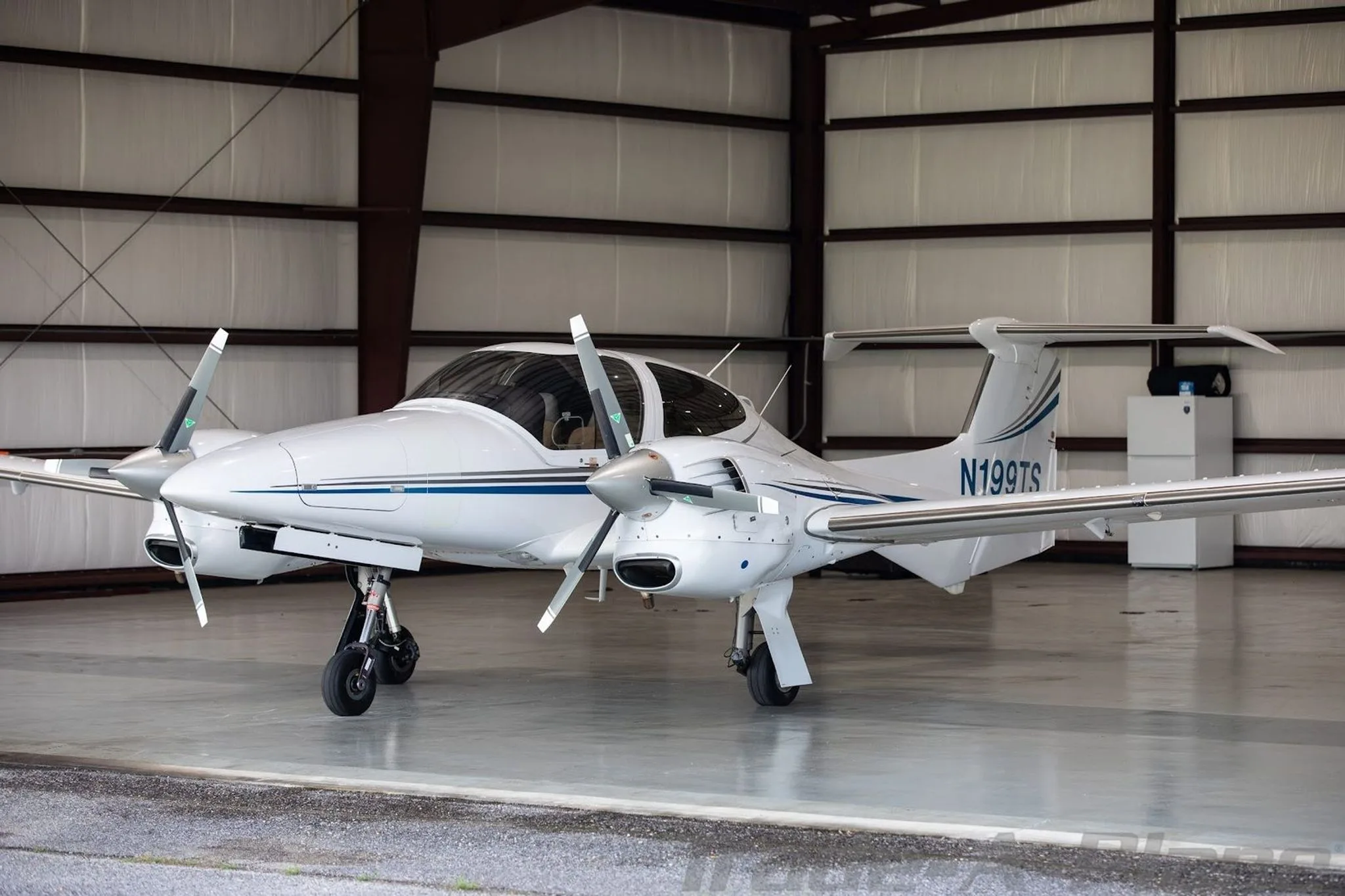
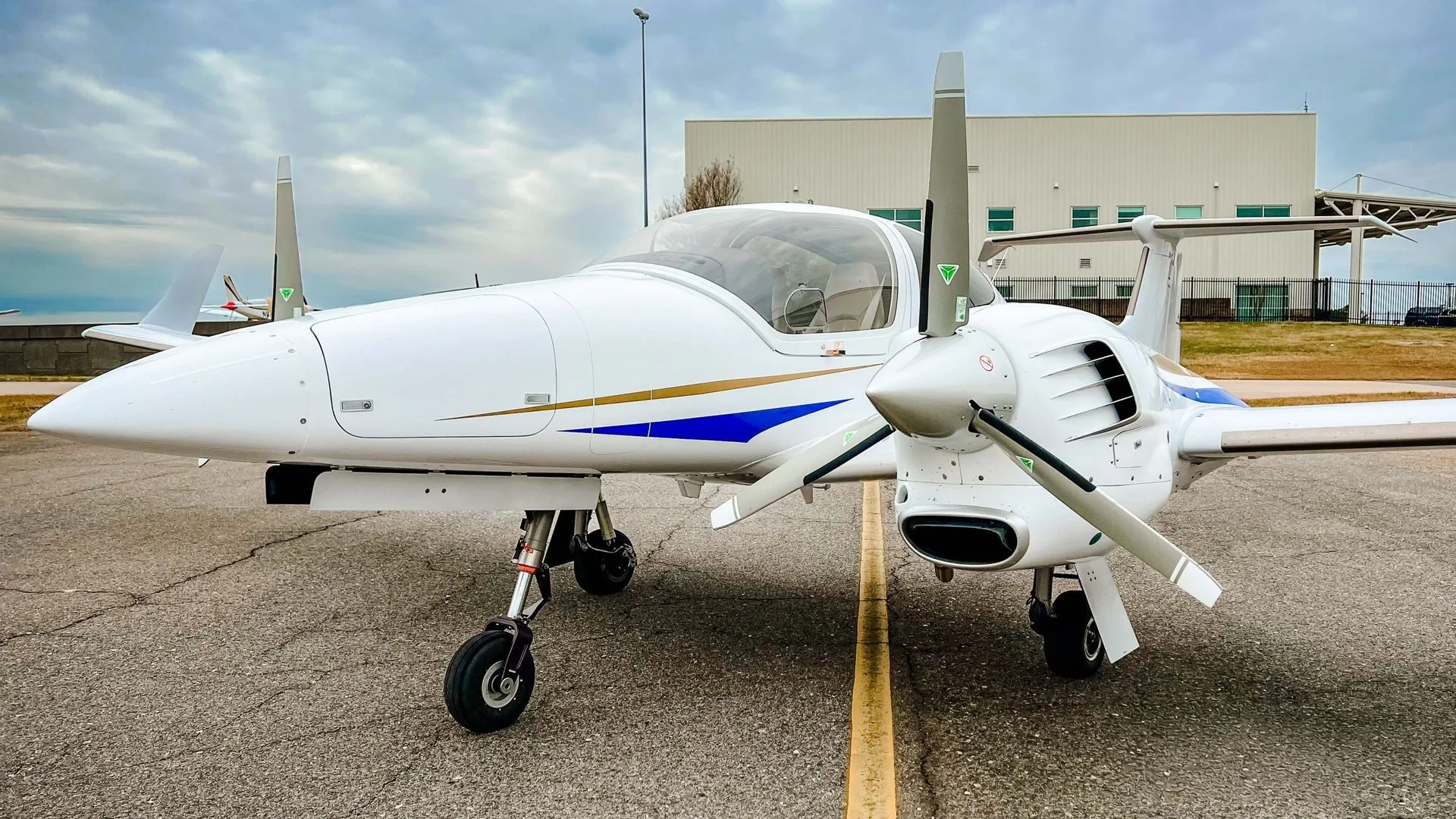

Free — save the DA42 to your watchlist and track it in one place.
More Diamond DA42 VImanuals & documents
See all 36 →- DA42-VI THE DEFINITION OF PERFECTIONSystems Description
- Airworthiness Directive Schedule Aeroplanes Diamond DA 42 and DA 42 NGService Bulletins
- Pilot’s Operating Handbook DA42 SeriesChecklist
- Polish Defence and Security Equipment Catalogue 2024Specifications
- TCDS No. EASA.A.005 DA 42 - SeriesType Certificate
- DA42-VI EXTERIOR & INTERIOR DESIGNWiring Diagram
- DA42-VISystems Description
- Airplane Flight Manual DA 42 TDIFlight Manual
- Garmin G1000 Cockpit Reference Guide for the Diamond Da42Checklist
- DA42-VI, SN 42.N474, OE-UDOSpecifications
- Airworthiness Directives; Diamond Aircraft Industries GmbH AirplanesAirworthiness Directives
- Diamond DA42-VISystems Description
If you fly the Diamond DA42 VI, you may also be researching these.
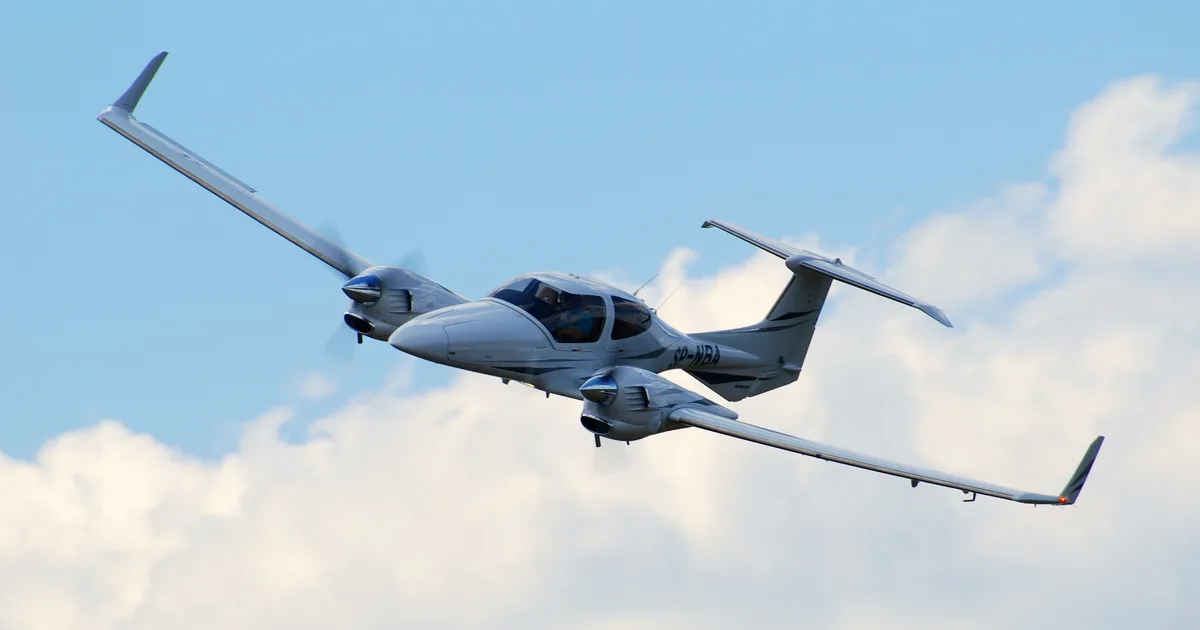
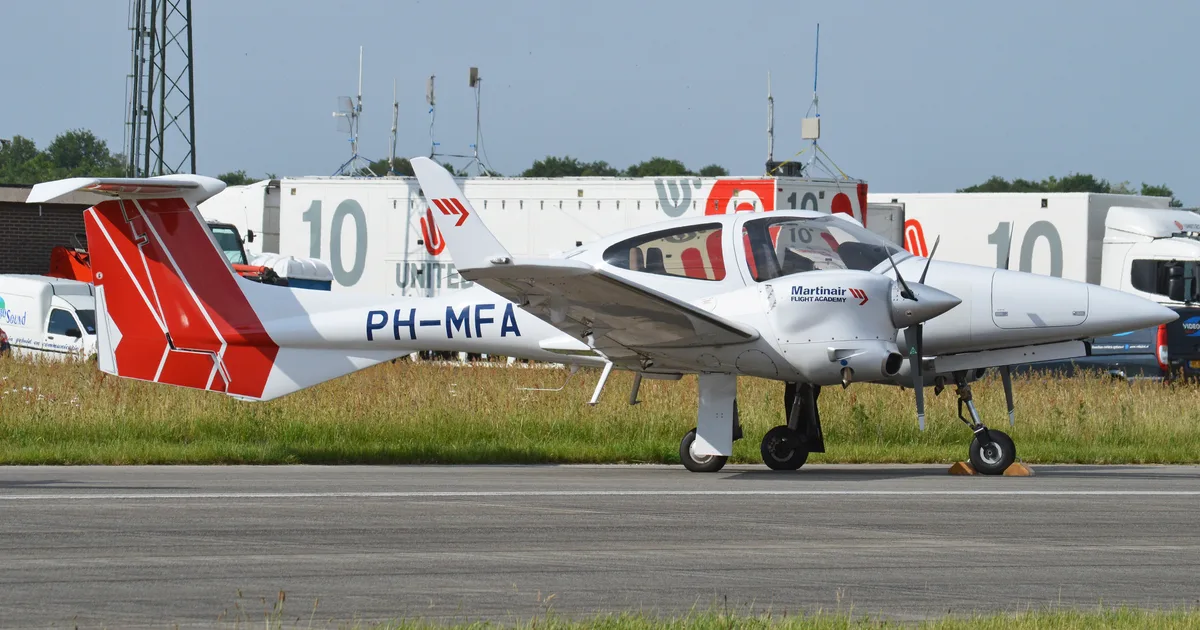
In this document
Enabling & Disabling Features
This section outlines how to manage aircraft failures, state-saving features, and engine damage settings in the DA42. Users can select from four failure modes: Normal (5% chance of failure per hour), High (100% chance), and Chaos (1 failure every 30 seconds). The state-saving feature allows restoration of the aircraft's configuration from the previous flight, excluding certain controls. Additionally, the manual provides guidance on enabling engine damage settings to simulate realistic operational conditions.
Important Speeds and Operating Limitations
This section lists critical airspeeds for the DA42 VI, including Vr (Takeoff Rotation Speed) at 76 KIAS, Vyse (Single Engine Climb Speed) at 85 KIAS, and Vref (Approach Speed) at 84 KIAS. It also details maneuvering speeds, maximum flap extended speeds, landing gear operating speeds, and never exceed speeds, ensuring pilots are aware of operational limits during various phases of flight.
Flight Planning Tips
This section provides practical advice for planning cross-country flights, including the use of tools like Skyvector and Garmin Pilot. It emphasizes the importance of selecting appropriate cruising altitudes and calculating top of climb and top of descent based on performance charts and ground speed, ensuring effective flight management.
Useful Links & Product Information
This section offers links to official Diamond training checklists and other resources to enhance the user's experience with the DA42. It includes information about the aircraft's systems, sound simulations, and visual models, ensuring users have access to comprehensive support materials.
Safety notes
- Do not exceed maximum flap extended speeds during landing and approach.
- Maintain airspeed above VMCA (minimum control speed airborne) with one engine inoperative.
Full document text
Pilot's Operating Handbook to DA42 Series UPDATED: 07/05/2024 COWS © 2024. ALL RIGHTS RESERVED. MADE WITH LOVE AND PASSION Creator of Worlds - COWS Bespoke Aircraft for Microsoft Flight Simulator & X-Plane From Australia | Austria | United Kingdom | United States DA42 Series for MSFS Includes DA42-VI & -TDI Version: 1.1.0 YouTube Instagram cows.studio Introduction Welcome to the pasture! On behalf of COWS, we'd like to thank you for purchasing our DA42 Series. Your new DA42 has been designed meticulously inside and out to be the most accurate replica of the real DA42. We curated this product around our mission of helping flight students with their multi-engine training. That means you can feel, hear, and see our differences while practicing critical procedure flows and manoeuvres. We desire that you will find flying it, either for training or leisure, a pleasant and valuable experience. This COWS manual has been prepared as a guide to help you get the most out of your airplane. It contains instructions, features, and tips on operating the airplane within the simulator. This manual will reference and link Diamond's Official DA42 Operating Manuals to ensure proper procedures. If you have any questions, requests, or suggestions, please reach out to us via our most active discussion platform: https://discord.gg/GRRmWfjqr2 COWS DA42 Series POH Welcome N/A Table of Contents | Enabling & Disabling Features || Clickspots & Accessibility III Important Speeds and Operating Limitation IV Flight Planning Tips V Useful Links & Product Information COWS DA42 Series POH Table of Contents N/A Section I Enabling & Disabling Features This section contains information on the operation of failures, aircraft state-saving, and engine-damage features of the DA42. COWS DA42 Series POH Section - Enabling & Disabling Features 1 Enabling & Disabling Features Failures The COWS DA42 has over 190 custom failures that can also be state-saved. These failures, however, cannot be individually nor categorically controlled (e.g powerplant, electrical, hydraulic). There are 4 modes for controlling failures: ⚫ Off • Normal (5% Chance of an item failing per hour) High (100% Chance of an item failing per hour) • • Chaos (1 failure per 30 seconds) To enable and select failure settings: 1. Navigate to the Engine Indicating System page (EIS) 2. Click on the "Menu" button on the right side of the MFD 3. Use the outer FMS knob on the bottom right corner of the MFD to scroll and select "Failures Mode" 4. Press the "Ent" button to enable failure mode 5. When done correctly, the menu should disappear and the system will cycle through the failure modes from Off -> Normal -> High -> Chaos 6. Repeat steps 2-4 until the desired mode is indicated on the menu page To mitigate failures, we recommend familiarizing the abnormal and emergency procedures in sections 3 & 4 of the DA42 Airplane Flight Manual. State-Saving The COWS DA42 has custom state-saving capabilities to restore the airplane to its prior configuration. The aircraft should restore all switch and button positions from the prior flight except: • Canopy & Door positions • Throttle Lever positions *It's also important to remember, Do NOT leave the fuel lever on cutoff after a flight. This is a real-world procedure to prevent the damage of fuel pumps running dry. To enable and disable State-Saving: 1. Navigate to the Engine Indicating System page (EIS) 2. Click on the "Menu" button on the right side of the MFD 3. Use the outer FMS knob on the bottom right corner of the MFD to scroll and select "State Saving" 4. Press the "Ent" button to toggle modes 5. When done correctly, the menu should disappear and the system will toggle State-Saving If the failure is absent from the flight manual, use aeronautical decision-making (DECIDE model) to mitigate the situation.(https://www.faa.gov/sites/ faa.gov/files/04_phak_ch2.pdf) COWS DA42 Series POH Section - Enabling & Disabling Features 2 Enabling & Disabling Features Engine Damage The COWS DA42 has a custom engine damage model that will progressively deprecate engine performance when the user operates the powerplant wth improper procedures. To enable Engine Damage: 1. Navigate to the Engine Indicating System page (EIS) 2. Click on the "Menu" button on the right side of the MFD 3. Use the outer FMS knob on the bottom right corner of the MFD to scroll and select "Engine Damage" 4. Press the "Ent" button to toggle modes 5. When done correctly, the menu should disappear and the system will toggle Engine Damage Common errors of inducing engine damage include but not limited to: • . . Using 100% Load on climb-out/cruise (Use 90-92% after takeoff) Moving the engine throttle lever too fast Operating the engine in abnormal temperatures and conditions Note: At high-altitude airports, the DA42 will run at a higher idle setting than usual due to the Low Power Correction Technique. This behavior is normal and reflects real-world engine behaviors. Engine Performance depending on Ambient ECU Pressure and Power Level (PL) Position Power [%] 100% 90% 80% 70% 60% 50% 40% 30% 20% 10% 0% 1050 1000 950 900 850 Low Power Correction 800 750 Ambient ECU pressure [mbar] Idle Power Correction 700 650 600 550 PL -0% (2150 RPM) PL -6% (1800 RPM) PL-40% (1950 RPM) PL 71% (2029 RPM) PL-92% (2100 RPM) PL 100% (2300 RPM) COWS DA42 Series POH Section - Enabling & Disabling Features 3 Section II Clickspots & Accessibility This section contains information on the operation of clickspots, tips, and operable features of the COWS DA42. COWS DA42 Series POH Section II - Clickspots & Accessibility 4 Clickspots & Accessibility ECUS During the routine ECU test, pilots usually use both their fingers to hold the ECU buttons together. The click spot for the shortcut is located between the two ECU test buttons on the left-most panel. To test the routine operation of ECUs: 1. Ensure gearbox temperature is in the green range (If absent, run the engine idle for at least 2 minutes
Show full textShow less
for the engine to warm up as per real-world checklist) 2. Ensure both ECU switches are in "AUTO" position 3. Hold the mouse in between the two black ECU push switches until "ECU FAIL" annunciations disappear on the PFD. 4. The engine should cycle through a rise in RPM followed by a drop in RPM 2 times throughout the ECU test Note: ECU will not cycle until temperature and conditions are met. Headset Simulation The COWS DA42 has implemented and referenced real sound recordings from the Bose A20 to mimic its ANC (Active Noise Cancellation) feature. To enable headset simulation, locate the GA plug jacks found on the rearward side of the middle console. The click spot is the jack itself. Ignition Key The COWS DA42 has implemented a large area ignition key rotation click spot for ease of use. At times, the key may be hard to turn in one direction or the other. To ease rotation, move the camera towards the desired side of rotation and click-hold the key. Windows & Doors The COWS DA42 has various operable doors throughout the model: • The left front red handle within the cockpit operates the front canopy • The left rear red handle within the cockpit operates the rear door • The left & right storm window notch operate their respective window The COWS DA42 has the following inoperable doors: • The FWD baggage doors • The gearbox oil access panel • The fuel cap Flood Light The COWS DA42 has implemented an easier click spot for the FWD cabin flood light. The click spot is located on the standby airspeed indicator needle. Clicking it requires the battery to be on. The alternative method of enabling flood light is on the floodlight panel itself, on the roof between the pilot seats. Control Sensitivities The COWS DA42 flight model reacts appropriately across various control sensitivity settings. However, it is recommended that the user has flight control peripherals tuned to the right sensitivity options in the simulator We recommend only adjusting one setting, REACTIVITY: • Less than or equal to 30% across all control surfaces COWS DA42 Series POH Section II - Clickspots & Accessibility 5 Section III Important Speeds and Operating Limitations This section contains information on critical airspeeds and limits of the DA42. COWS DA42 Series POH Section III - Important Speeds & Operating Limitations 6 Important Speeds and Operating Limitations VSpeeds DA42-VI It's important to note specific airspeeds for takeoff, landing, cruise, and stall conditions. DA42-VI (Section 2 & Section 5 of AFM): Vr Takeoff Rotation Speed: Vyse Single Engine Climb Speed: Vy Best Rate of Climb: Vref Approach Speed: Vo Maneuvering Speed: 76 KIAS 85 KIAS 92 KIAS 84 KIAS 112-122 KIAS Airspeed KIAS Above 122 KIAS 1800 kg (3968 lb) Operating Above 1700 kg (3748 lb) δ manoeuvring to 119 KIAS speed 1800 kg (3968 lb) Up to 112 KIAS 1700 kg (3748 lb) Max. flaps LDG 113 KIAS VFE extended speed APP 133 KIAS Max. landing Extension VLOE 188 KIAS VLO gear operating speed Retraction VLOR 152 KIAS VLE Max. landing gear extended speed 188 KIAS Minimum APP VMCA control speed airborne UP 68 KIAS 71 KIAS Remarks Do not make full or abrupt control surface movement above this speed. Do not exceed these speeds with the given flap setting. Do not operate the landing gear above this speed. Do not exceed this speed with the landing gear extended. With one engine inoperative, keep airspeed above this limit. VNO Max. structural cruising speed 151 KIAS Do not exceed this speed except in smooth air, and then only with caution. VNE Never exceed speed in smooth air 188 KIAS Do not exceed this speed in any operation. COWS DA42 Series POH Section III - Important Speeds & Operating Limitations 7 Important Speeds and Operating Limitations VSpeeds DA42-TDI It's important to note specific airspeeds for takeoff, landing, cruise, and stall conditions. DA42-TDI (Section 2 & Section 5 of AFM): Vr Takeoff Rotation Speed: Vyse Single Engine Climb Speed: Vy Best Rate of Climb: Vref Approach Speed: Vo Maneuvering Speed: 72 KIAS 82 KIAS 86 KIAS 78 KIAS 120-126 KIAS Airspeed KIAS Remarks Manoeuvring Above 126 KIAS speed if MÄM 1542 kg (3400 lb) 42-088 or OÄM 42-054 or both 120 KIAS Up to VA incorperated 1542 kg (3400 lb) Do not make full or abrupt control surface movement above this speed. 124 KIAS Neither MÄM Above 42-088 or 1468 kg (3236 lb) OÄM 42-054 incorperated Up to 121 KIAS 1700 kg (3748 lb) Max. flaps LDG 111 KIAS VFE extended speed APP 137 KIAS Max. landing Extension VLOE 194 KIAS VLO gear operating speed Retraction VLOR 156 KIAS VLE Max. landing gear extended speed 194 KIAS Do not exceed these speeds with the given flap setting. Do not operate the landing gear above this speed. Do not exceed this speed with the landing gear extended. Minimum VMCA control speed airborne 68 KIAS With one engine inoperative, keep airspeed above this limit. COWS DA42 Series POH Section III - Important Speeds & Operating Limitations 8 Section IV Flight Planning Tips This section outlines tips and tricks to make a flight plan and calculate critical distances, time, and speeds for a general aviation flight. Below are techniques derived from real-world flying. For a more detailed outline, take a look at Mitchell's flight instructor lesson plan here: https://docs.google.com/document/ d/1CDCsDJOtiAs8b9_JyCJv7D92BZfXhUOdG7PNUJpSoug/edit?usp=share_link COWS DA42 Series POH Section IV - Flight Planning Tips 9 Flight Planning Tips Planning a Flight To plan a cross-country flight, using tools such as Skyvector, Foreflight, or Garmin Pilot will help aid your flight planning process. Begin by first plotting the departure and arrival airport. Then find waypoints in between, whether VFR or IFR, use visual waypoints on the map, or use VORS and NAVAIDS. Waypoints should be within 20nm to ensure navigational signal integrity and basic pilotage. After establishing waypoints, pick an altitude of over 2000ft AGL over the highest terrain or obstacle en route, then add 500ft if VFR. This will be your cruising altitude. Top of Climb To calculate top of climb, refer to the operating manual cruise climb performance chart to calculate rate-of-climb at your given weight. Then average that climb rate with the departure altitude and the cruising altitude. Then, divide the altitude difference (cruise altitude - departure field altitude) by the climb-rate. This will give you the resulting minutes it takes to reach top of climb. To calculate the distance, you will need to multiply your ground speed by the time it takes to reach top of climb (in hours). To calculate groundspeed, take indicated airspeed, convert it to calibrated airspeed in AFM, then use local winds aloft to add or subtract from the calibrated airspeed. Finally, divide the resulting calculated minutes above by 60 to convert it to hours, and multiply that by the groundspeed to determine how far out your TOC will be in NM. Top of Descent To calculate the top of descent, multiply the altitude difference (Cruise altitude - arrival field altitude) by 3. Move the decimal 3 places to the left and this will be the NM out that you will need to start your descent. To calculate how fast you should descend, take your groundspeed and divide it by two, add a 0 to the end and the result is your standard FPM descent rate on a 3-degree standard glideslope COWS DA42 Series POH Section IV - Flight Planning Tips 10 10 Section V Useful Links & Product Information This section provides users with links to useful documentation from official Diamond training checklists, to the paint kit for the aircraft if you want to get creative. COWS DA42 Series POH Section V - Useful Links & Product Information 11 Useful Links & Product Information Product Systems • Accurate electrical system with circuit breakers and custom alternator voltage simulation • Custom standby flight instrumentation • Deice system with weight and functional stall heat • Custom gear hydraulic system simulation with state saving and gravity emergency extension • Custom lighting that warms up and responds to system voltage • Custom Yaw damper and multiple fixes to native Asobo systems Engine damage, state saving, and random failures (to come later) Sounds • Developed from the creator of sounds for FBW A32NX, FlightFX vision jet and other projects. • Sound simulation follows systems, e.g. hydraulic actuator • Dynamic engine, wind, and ground roll sounds Engine sounds differ depending on prop pitch, fuel flow, and speed • • Dynamic wind sounds, howling sounds in slips and drag noises with gear and flaps Sounds sourced from first-party sources, local DA42 • Headset simulation Visual Model • • • • Light-baked photorealistic reflections and ray-traced shadows & lighting textures Faithful exterior model matched with hundreds of pictures at various angles Intricate Interior model featuring moderate and heavy wear Interior features two options of black panel/standard grey furnishings Subtle and photorealistic photo- overlays for incredible lifelike textures • All placards sourced and positioned from Diamond maintenance manuals • Exterior features realistic moderate to heavy dirt/wear, matching • • reference DA42 Fibreglass scratching TKS leaks Flight Model • Accurate Performance and handling with over 1500hrs of testing from DA42 pilots, students, and instructors Custom flight control animations showing respective trim forces and variable elevator backstop • Tiny bump when dropping the gear and deceleration on touchdown • Airframe shake during ground power runs PowerPlant ⚫ Dual ECUs • Engine map • ECU test procedure • ECU error detection and switching • ECU runtime saving and High altitude flameout prevention • Custom Manifold pressure, fuel injection and turbo simulation with alternate air and filter icing • • Custom water cooling with water pump and thermostat (affected by rain) Custom oil cooling with oil-water heat exchanger • Custom oil pressure simulation with oil bypass valve • Gearbox temperature simulation • • • • • • Fuel temperature simulation Oil and fuel starvation when flying inverted Custom fuel pressure simulation • Fuel slosh and starvation when slipping with low fuel Reaction to engine failures and failure modes Propeller feathering, windmilling and piston compression physics De-feathering accumulator Glow plug controller Other • Slight differences of the engine parameters (temps, pressures, rpms) • Slow and delayed engine indications • props come off the start lock when master is turned on • Feathering and windmilling COWS DA42 Series POH Section V - Useful Links & Product Information 12
283 Diamond DA42 VI parts for sale
See all →


Parts listed for sale by vetted eBay sellers — confirmed on eBay at checkout.